
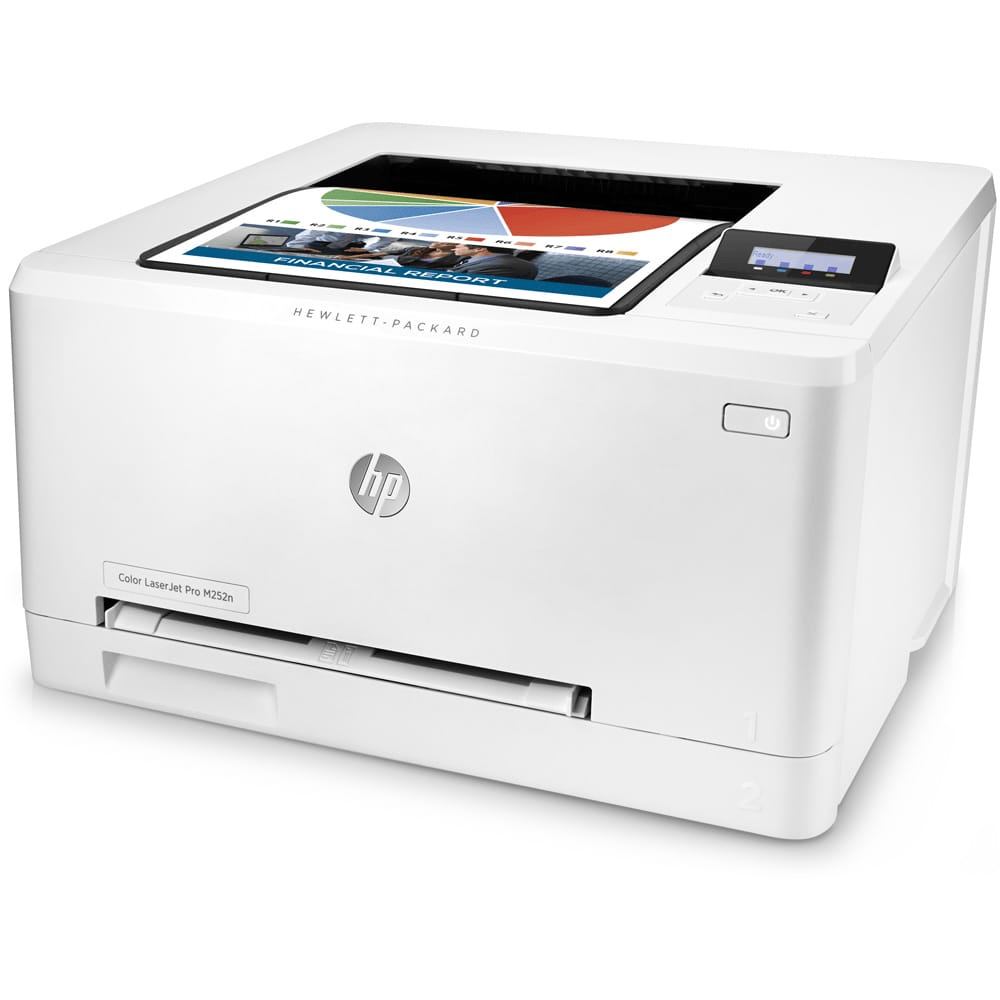
HP M252N COLOR LASERJET PRINTER
₨45,000
Description for HP 252N Printer
Short Description;
Discover seamless printing with the HP 252N Printer, your perfect companion for high-quality documents at home or in the office. With its impressive speed and reliability, this printer transforms your printing tasks into a hassle-free experience.
You may also like…
HP 151A ORIGINAL BLACK LASER TONER
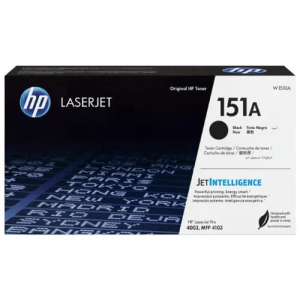
HP 151A Black LaserJet Toner Description
Short Description;
The HP 151A LaserJet Toner offers unmatched precision for black-and-white printing, delivering crisp, professional documents every time. Designed with Jet Intelligence technology, this toner ensures high-speed performance and energy efficiency—perfect for businesses that demand reliable, eco-friendly printing.
HP 1522NF BLACK LASER MFP PRINTER
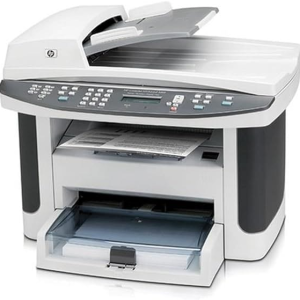
Description for HP 1522nf Printer
Short Description;
Elevate your printing experience with the HP 1522nf Printer, a versatile all-in-one solution designed for efficiency and performance. Whether at home or in the office, this printer combines fast printing, scanning, and copying in a sleek, compact design.
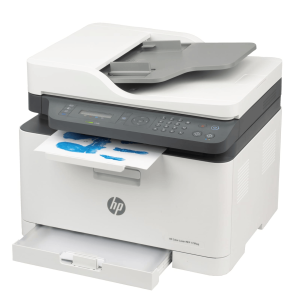
HP 179FWG COLOR LASER MFP PRINTER
HP 179FWG COLOR LASER MFP PRINTER
Short Description;
Upgrade Your Printing Game with the HP 179FNW Printer – Compact, Powerful, and Smart! Meet the HP 179FNW Printer, an all-in-one device designed to simplify your home office or small business needs. With high-speed printing, wireless connectivity, and multifunction features, this printer offers a seamless solution to your everyday printing, scanning, and copying tasks.
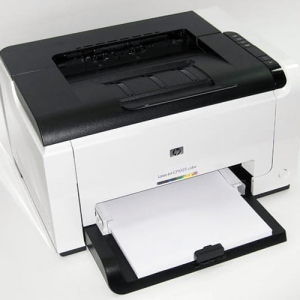
HP CP1025 COLOR LASER PRINTER
HP 1025 Printer – Compact Precision, Outstanding Performance
SHORT DESCRIPTION;
Meet the HP 1025 Printer, the perfect blend of sleek design and powerful printing capabilities. This compact laser printer delivers vibrant, professional-quality prints at incredible speed, making it ideal for home offices, small businesses, and personal use. Whether you need sharp text or colorful graphics, the HP 1025 Printer ensures flawless results every time.
HP CP1025NW COLOR WIFI PRINTER
HP 1025NW PRINTER: Wireless Printing Power in a Compact Package
Short Description;
Unleash vibrant prints and streamline your workflow with the HP 1025NW Printer—a wireless printing solution perfect for home offices and small businesses. With its compact size and color capabilities, this printer delivers high-quality output without compromising on space or efficiency.
Related products
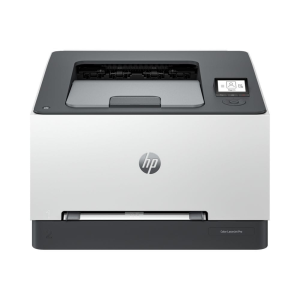
HP 3203DW COLOR LASER WIFI PRINTER
HP 3203DW COLOR LASERJET PRINTER — Fast, vibrant color for small teams
Short description;
The HP 3203DW COLOR LASERJET PRINTER delivers fast, true-to-life color and automatic two-sided printing in a compact package — perfect for small offices that need professional-looking documents without slowing down.
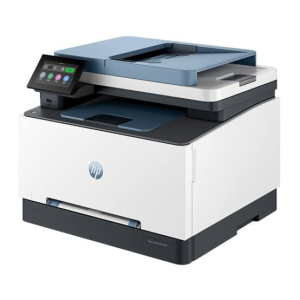
HP 3303FDW COLOR LASER MFP PRINTER
HP 3303SDW Color Laser Printer Description
Short Description;
Experience superior printing efficiency with the HP 3303SDW Color Laser Printer, designed for vibrant, professional-grade color output. With fast print speeds and advanced connectivity, this printer ensures your business runs smoothly while delivering top-quality documents every time.
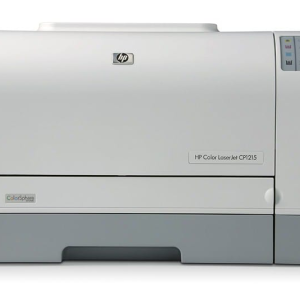
HP CP1215 COLOR LASERJET PRINTER
HP 1215 Printer: Seamless Printing at Your Fingertips
SHORT DESCRIPTION;
Looking for a printer that combines performance, affordability, and vibrant color output? The HP 1215 Printer delivers high-quality prints with speed and precision, making it the perfect solution for homes and small offices. Whether you're printing important documents or beautiful photos, the HP 1215 ensures every page comes to life
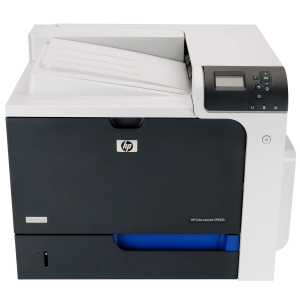
HP CP4525 COLOR ENTERPRISE PRINTER
HP 4525 Printer: Fast, Reliable Printing for Home and Office Needs
Short Description;
Meet the HP 4525 Printer – a high-performance printer built to streamline your printing tasks, whether at home or in the office. With impressive print speeds and vibrant resolution, this printer ensures that every page looks sharp and professional, helping you tackle projects faster and more efficiently.
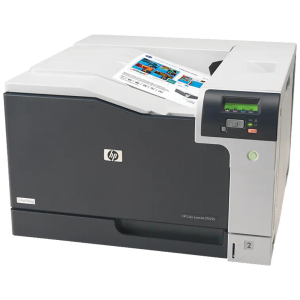
HP CP5525DN COLOR ENTERPRISE PRINTER
HP 5525DN COLOR LASER A3 PRINTER
Short Description;
Discover the HP 5525 Printer, your ultimate printing solution for vibrant, professional-quality documents and stunning photos. Designed for both home and office use, this versatile printer combines advanced technology with user-friendly features, ensuring that you produce exceptional prints every time.
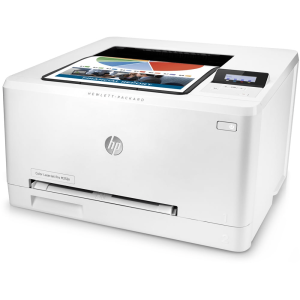


HP M255DW COLOR LASER WIFI PRINTER
HP 255DW Printer – High-Speed, Wireless Efficiency for Your Home or Office
Short Description;
Meet the HP 255DW Printer—a powerhouse designed to keep up with your printing demands. With lightning-fast speeds, seamless wireless connectivity, and high-quality output, this printer ensures that every project is delivered on time and with precision.
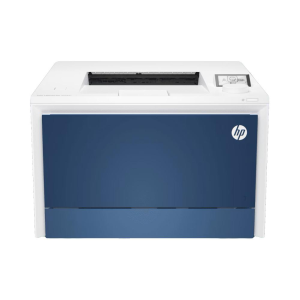
HP M4203DN COLOR LASER PRINTER
HP Color LaserJet Pro 4203dn Printer: Elevate Your Business Printing
SHORT DESCRIPTION;
Experience unparalleled efficiency and vibrant color printing with the HP Color LaserJet Pro 4203dn Printer. Designed for dynamic work environments, this printer delivers exceptional speed and quality to meet your business needs.