
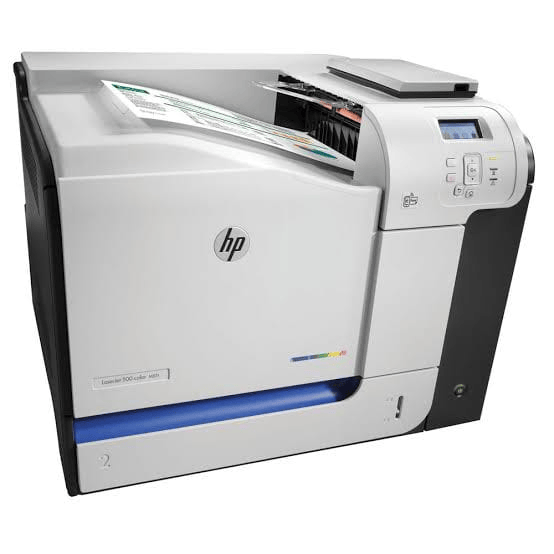
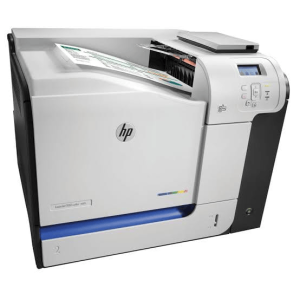
HP M551N COLOR ENTERPRISE PRINTER
₨40,000
HP M551N COLOR LASER PRINTER
Short Description;
Discover the efficiency and reliability of the HP 551N Printer, designed to elevate your printing experience. With high-quality output and user-friendly features, this printer is your perfect companion for home or office tasks.
You may also like…
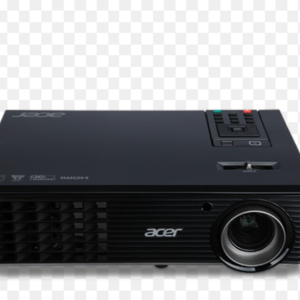
ACER P1163 4000 LUMENS PROJECTOR
Acer P1163 Projector: Illuminate Your Presentations with Clarity
Short Description;
Transform your presentations into captivating experiences with the Acer P1163 Projector. Featuring stunning image quality and versatile connectivity options, this projector is your ultimate companion for impactful visuals.
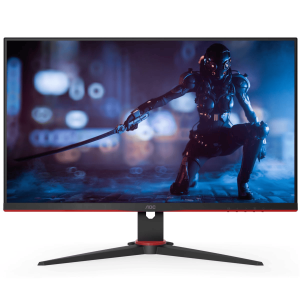
AOC 24G2E5 23.8″ FHD 75HZ IPS LED
Description for AOC 24G2E5 MONITOR
Short Description;
Introducing the AOC 24G2E5 MONITOR, the perfect blend of stunning visuals and high performance, designed for gamers and professionals alike. With its ultra-responsive 144Hz refresh rate and vibrant colors, this monitor transforms your viewing experience, making every game and task more immersive and enjoyable.
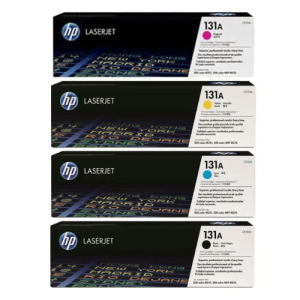
HP 131A COLOR LASER TONER CARTRIDGE
HP 131A Laser Toner – Crisp, Professional Prints Every Time
SHORT DESCRIPTION;
Get brilliant results with the HP 131A Laser Toner – the trusted choice for sharp black text and vibrant colors. Designed for reliability and performance, this toner ensures every print is of professional quality, whether it's business reports or family projects.
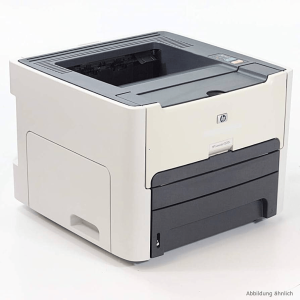
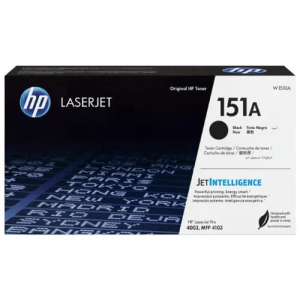
HP 151A ORIGINAL BLACK LASER TONER
HP 151A Black LaserJet Toner Description
Short Description;
The HP 151A LaserJet Toner offers unmatched precision for black-and-white printing, delivering crisp, professional documents every time. Designed with Jet Intelligence technology, this toner ensures high-speed performance and energy efficiency—perfect for businesses that demand reliable, eco-friendly printing.
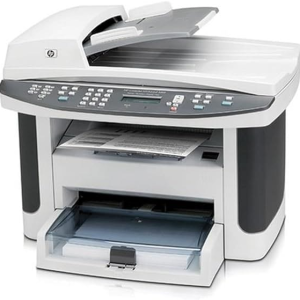
HP 1522NF BLACK LASER MFP PRINTER
Description for HP 1522nf Printer
Short Description;
Elevate your printing experience with the HP 1522nf Printer, a versatile all-in-one solution designed for efficiency and performance. Whether at home or in the office, this printer combines fast printing, scanning, and copying in a sleek, compact design.
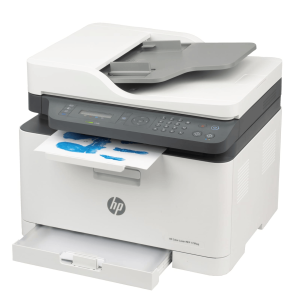
HP 179FWG COLOR LASER MFP PRINTER
HP 179FWG COLOR LASER MFP PRINTER
Short Description;
Upgrade Your Printing Game with the HP 179FNW Printer – Compact, Powerful, and Smart! Meet the HP 179FNW Printer, an all-in-one device designed to simplify your home office or small business needs. With high-speed printing, wireless connectivity, and multifunction features, this printer offers a seamless solution to your everyday printing, scanning, and copying tasks.
Related products
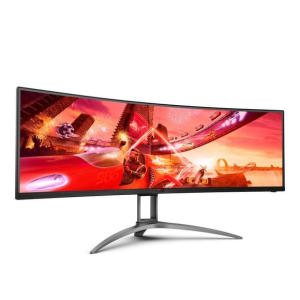


HP 135W BLACK LASER WIFI MFP PRINTER
HP 135W Printer – Compact, Wireless, and Reliable Printing for Everyday Use
SHORT DESCRIPTION;
Looking for a printer that combines efficiency, versatility, and wireless convenience? The HP 135W Printer offers everything you need for hassle-free printing at home or in small offices. Its compact design and fast printing capabilities make it a perfect fit for anyone seeking high-quality performance without the bulk.
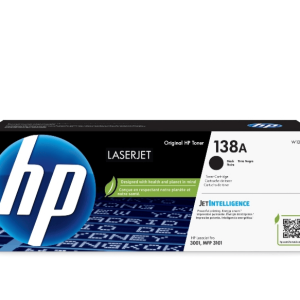
HP 138A BLACK LASER TONER
HP 138A Black Laser Toner Cartridge (W1380A)
Short Description;
Experience crisp, professional-quality prints with the HP 138A Black Laser Toner Cartridge (W1380A). Designed for seamless compatibility with HP LaserJet Pro 3001 and MFP 3101 series printers, this cartridge ensures reliable performance and consistent results for all your business needs.
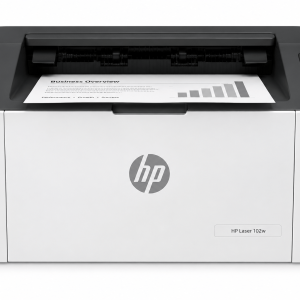
HP M102W BLACK LASER WIFI PRINTER
HP 102W Printer: Compact Power Meets Quality Printing
Short Description;
Unleash the power of efficient printing with the HP 102W Printer. This compact, high-performance device is designed to fit seamlessly into any workspace, delivering crisp, professional-quality prints at lightning speed. Say goodbye to bulky printers and hello to streamlined productivity!
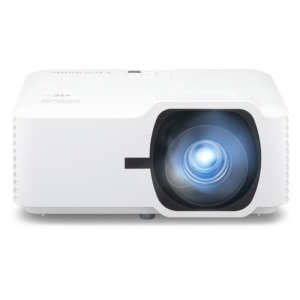
VIEWSONIC LS740W 5000 LUMENS
VIEWSONIC LS740W 5000 LUMENS PROJECTOR
Short Description:
The ViewSonic LS740W Smart Portable Projector offers stunning image quality and unmatched portability, making it the ideal choice for professionals, educators, and entertainment enthusiasts. Whether you're giving a presentation or enjoying a movie night, this projector delivers exceptional visuals anywhere you go.
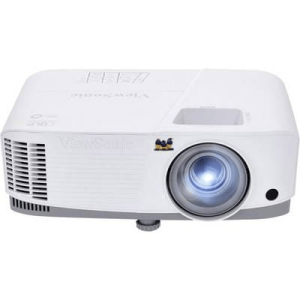
VIEWSONIC PA503S 4000 LUMENS PROJECTOR
Elevate Your Presentations with the ViewSonic PA503S Projector
Short Description;
Transform your presentations into captivating visual experiences with the ViewSonic PA503S Projector. Designed for seamless integration into any space, this projector delivers stunning clarity and vibrant colors, making it perfect for both professional and personal use.