
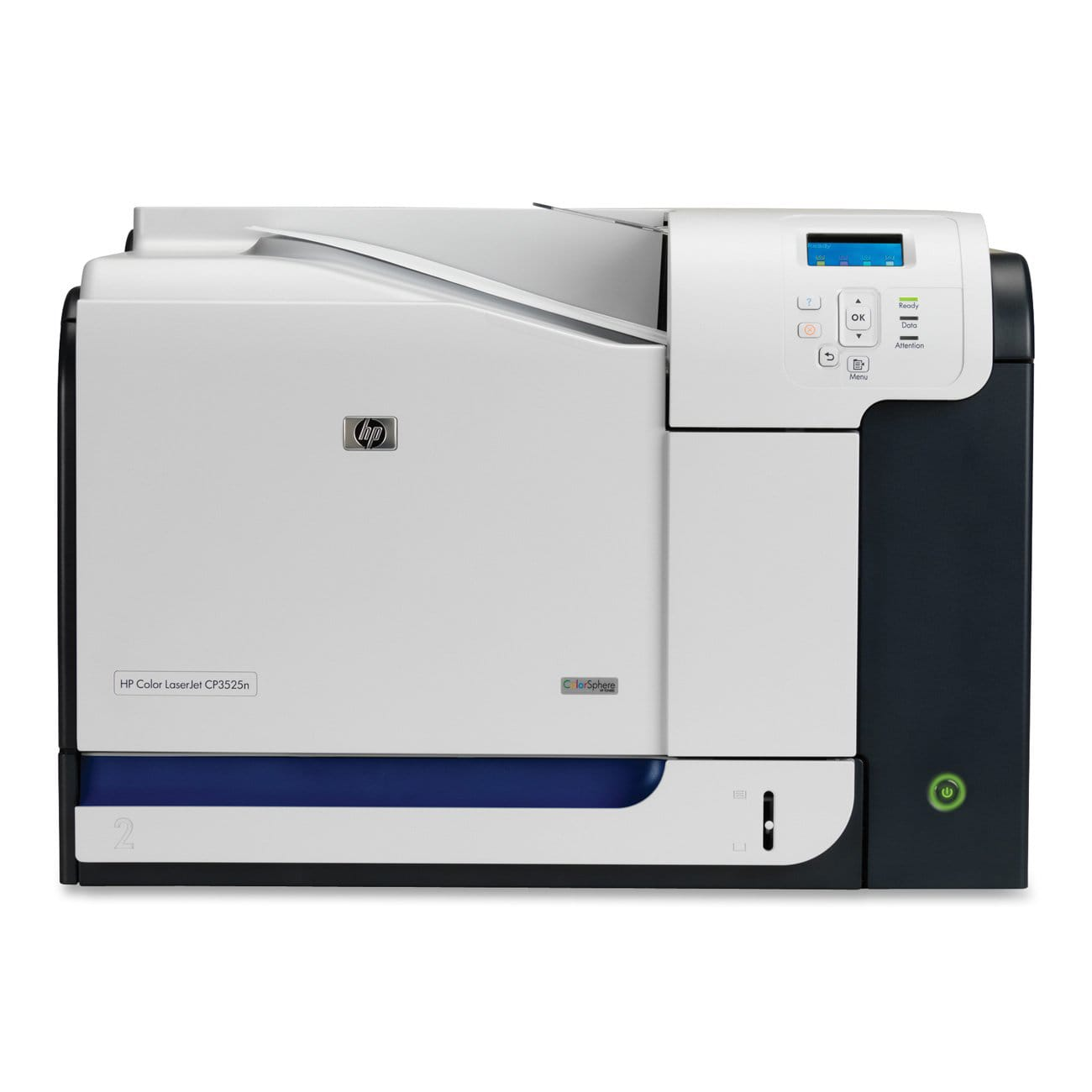
HP CP3525DN COLOR ENTERPRISE PRINTER
₨40,000
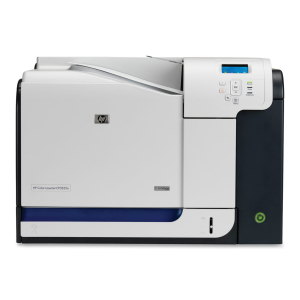
HP CP3525DN COLOR LASER PRINTER
Short Description;
Looking for a printer that combines speed, quality, and efficiency? The HP 3525 Printer offers vibrant color printing, reliable performance, and cost-saving features—making it the perfect companion for your home or small office setup. With wireless connectivity and duplex printing, this printer streamlines your workflow and reduces paper waste.
HP CP3525DN Color Laser Printer – High-Speed Printing with Duplex & Networking
🖨️ Why Choose the HP CP3525DN Color Laser Printer?
The HP CP3525DN is a high-performance color laser printer designed for businesses and offices that require fast, professional-quality printing. With automatic duplex printing, network connectivity, and vibrant color output, this printer ensures efficiency and cost savings for high-volume printing needs.
📌 Key Features & Specifications
| Feature | Details |
|---|---|
| Print Technology | Color Laser |
| Print Speed | Up to 30 pages per minute (ppm) (Black & Color) |
| Resolution | 1200 x 600 dpi for sharp, high-quality prints |
| Connectivity | USB 2.0, Gigabit Ethernet |
| Automatic Duplex | Yes (Double-Sided Printing) |
| Paper Capacity | 250-sheet input tray + 100-sheet multipurpose tray |
| Monthly Duty Cycle | Up to 75,000 pages |
| Supported Media Sizes | Letter, Legal, A4, A5, B5, Envelopes |
| Toner Compatibility | HP 504A Toner Cartridges (Black, Cyan, Magenta, Yellow) |
🔹 Benefits of the HP CP3525DN Color Laser Printer
🎨 Vibrant & Professional Color Prints – HP Color Sphere toner delivers rich, vivid colors for business documents and marketing materials.
⚡ High-Speed Printing – Prints up to 30 pages per minute, ensuring quick turnaround times.
📑 Automatic Duplex Printing – Saves paper and reduces costs with double-sided printing.
📶 Network-Ready – Gigabit Ethernet allows easy sharing across multiple users in an office.
📥 Large Paper Capacity – 250-sheet input tray plus a 100-sheet multipurpose tray for uninterrupted printing.
🔋 Energy Efficient – HP Instant-On Technology reduces energy consumption.
🔧 How to Set Up the HP CP3525DN – Step-by-Step Guide
Step 1: Unboxing & Setup
- Unpack the printer and remove all protective materials.
- Place it on a stable surface near a power outlet.
Step 2: Installing the Toner Cartridges
- Open the front panel and insert the HP 504A toner cartridges.
- Ensure they are securely placed and close the panel.
Step 3: Loading Paper
- Open the 250-sheet input tray and adjust the guides.
- Load A4 or Letter-size paper and close the tray.
Step 4: Connecting the Printer
- Use USB or Ethernet for setup.
- Download and install the HP printer drivers from HP’s official website.
Step 5: Enabling Duplex Printing
- Open printer settings and enable automatic double-sided printing.
- Print a test page to confirm setup.
🔍 Pros & Cons of the HP CP3525DN
✅ Pros
✔ High-speed printing – 30 ppm for efficient workflow.
✔ Professional color quality – 1200 x 600 dpi resolution.
✔ Automatic duplex printing – Saves paper and printing costs.
✔ Network-ready – Gigabit Ethernet for shared office use.
✔ Large paper capacity – Handles 350 sheets at a time.
❌ Cons
❌ No wireless printing – Requires USB or Ethernet connection.
❌ No scanning or copying – Single-function printer.
| Weight | 32.9 kg |
|---|---|
| Dimensions | 44 × 36.5 × 14.4 cm |
You may also like…
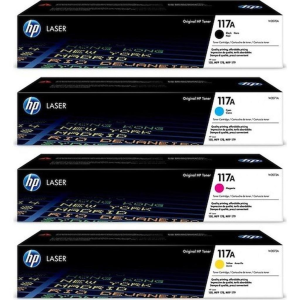
HP 117A COLOR LASER TONER SET
HP 117A Color Laser Toner Cartridge - Vivid Colors, Unbeatable Quality
Short Description;
Experience vibrant, true-to-life colors with the HP 117A Color Laser Toner Cartridge. Designed for seamless printing, this original HP toner delivers stunning clarity and precision, ensuring every document looks its best. Perfect for both home and office, it's your key to professional-quality results.
HP 117A COLOR LASER TONER SET
HP 117A Color Laser Toner Cartridge - Vivid Colors, Unbeatable Quality
Short Description;
Experience vibrant, true-to-life colors with the HP 117A Color Laser Toner Cartridge. Designed for seamless printing, this original HP toner delivers stunning clarity and precision, ensuring every document looks its best. Perfect for both home and office, it's your key to professional-quality results.
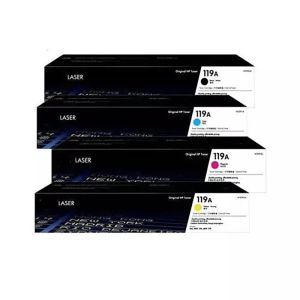
HP 119A COLOR LASER TONER SET
HP 119A COLOR LASER TONER
Short Description;
Unlock vibrant, high-quality color printing with the HP 119A Color Laser Toner Cartridge. Engineered for precision and reliability, this original toner delivers sharp, clear results, ensuring your documents and images pop with professional color every time.
HP 119A ORIGINAL COLOR LASER TONER
HP 119A COLOR LASER TONER
Short Description;
Unlock vibrant, high-quality color printing with the HP 119A Color Laser Toner Cartridge. Engineered for precision and reliability, this original toner delivers sharp, clear results, ensuring your documents and images pop with professional color every time.


HP 120A ORIGINAL LASER DRUM UNIT
HP 120A Black Laser Toner Cartridge – Perfect Printing Quality, Every Time!
Short Description;
Get crisp, clear, and professional results with the HP 120A Black Laser Toner Cartridge. This original toner cartridge ensures your documents always look their best, making it the perfect choice for business professionals and everyday users alike.
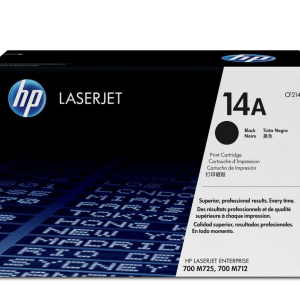
HP 14A BLACK LASER TONER CARTRIDGE
HP 14A Laser Toner Cartridge Description
Short Description;
Meet the HP 14A Laser Toner Cartridge (CF214A)—your ideal printing partner for producing high-quality, crisp documents with every print. Designed to keep up with heavy printing demands, this cartridge ensures smooth and consistent output, making it perfect for offices or businesses that require professional results without interruption.
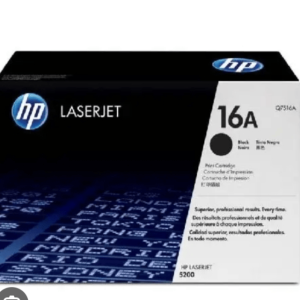
Related products
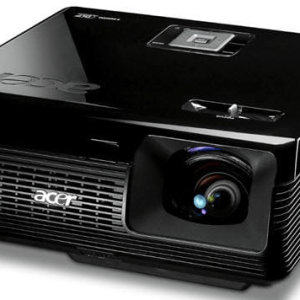
ACER P1200B PORTABLE DLP PROJECTOR
ACER P1200B DLP PROJECTOR
Short Description;
Elevate your viewing experience with the Acer P1200B projector, designed for crystal-clear visuals and seamless presentations. Whether for professional use or home entertainment, this feature-packed projector delivers outstanding performance with sharp image clarity and vibrant colors that leave a lasting impression.
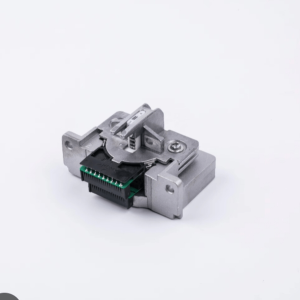
EPSON LQ350 PRINTER HEAD
Description For Epson LQ-350 Dot Matrix Printer
Short Description;
High performance meets reliability with the Epson LQ-350 Dot Matrix Printer. Whether you’re printing invoices, shipping forms, or reports, this robust dot matrix printer delivers exceptional quality and speed. Perfect for businesses looking for an affordable, long-lasting printing solution, the Epson LQ-350 ensures your operations run smoothly with minimal interruptions.


HP 135W BLACK LASER WIFI MFP PRINTER
HP 135W Printer – Compact, Wireless, and Reliable Printing for Everyday Use
SHORT DESCRIPTION;
Looking for a printer that combines efficiency, versatility, and wireless convenience? The HP 135W Printer offers everything you need for hassle-free printing at home or in small offices. Its compact design and fast printing capabilities make it a perfect fit for anyone seeking high-quality performance without the bulk.
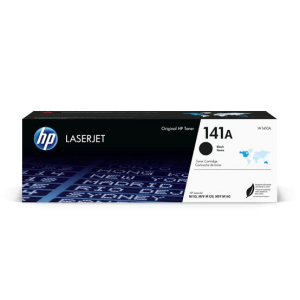
HP 141A BLACK LASER TONER CARTRIDGE
HP 141A Black Laser Toner Cartridge – Crisp, Reliable Printing for Your HP LaserJet
SHORT DESCRIPTION;
Experience sharp, professional-quality prints every time with the HP 141A Black Laser Toner Cartridge. Designed specifically for HP LaserJet M110 and M140 series printers, this cartridge ensures consistent performance and high-quality output for all your printing needs.


HP M605DN LASER ENTERPRISE PRINTER
HP 605dn Printer: Elevate Your Printing Experience
Short Description;
Unlock unparalleled efficiency with the HP 605dn Printer—designed to meet the demanding needs of your office. With lightning-fast printing speeds and high-quality output, this printer is your ideal partner for streamlined workflows.
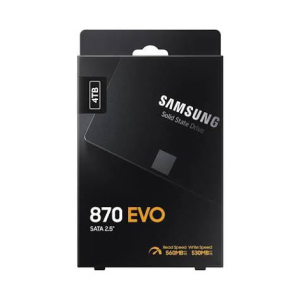
SAMSUNG 4TB 870 EVO 2.5″ SATA SSD
SAMSUNG 4TB 870 EVO SATA SSD
Short Description;
Discover lightning-fast performance and unmatched reliability with the Samsung 4TB 870 SATA SSD—the perfect upgrade for any system. Whether you’re an IT professional, content creator, or casual user, this SSD delivers seamless data storage and speed for all your tasks.

SILICON BLAZE POWER B06 32GB USB
SILICON BLAZE POWER B06 32GB USB
Short Description;
Start with a captivating line that immediately highlights the most appealing feature of the SLICON 32GB USB, such as its high-speed data transfer, durability, or sleek design. Use this to draw in customers looking for a reliable and stylish storage solution.
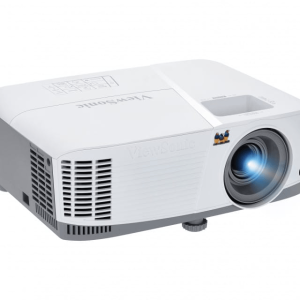
VIEWSONIC PG707W 4000 LUMENS PROJECTOR
Experience Stunning Visuals with ViewSonic PG707W Projector
Short Description;
Transform any space into a dynamic presentation area with the ViewSonic PG707W Projector. Designed for both business and educational settings, this powerful projector delivers crisp, vibrant images that will captivate your audience from the very first slide.