
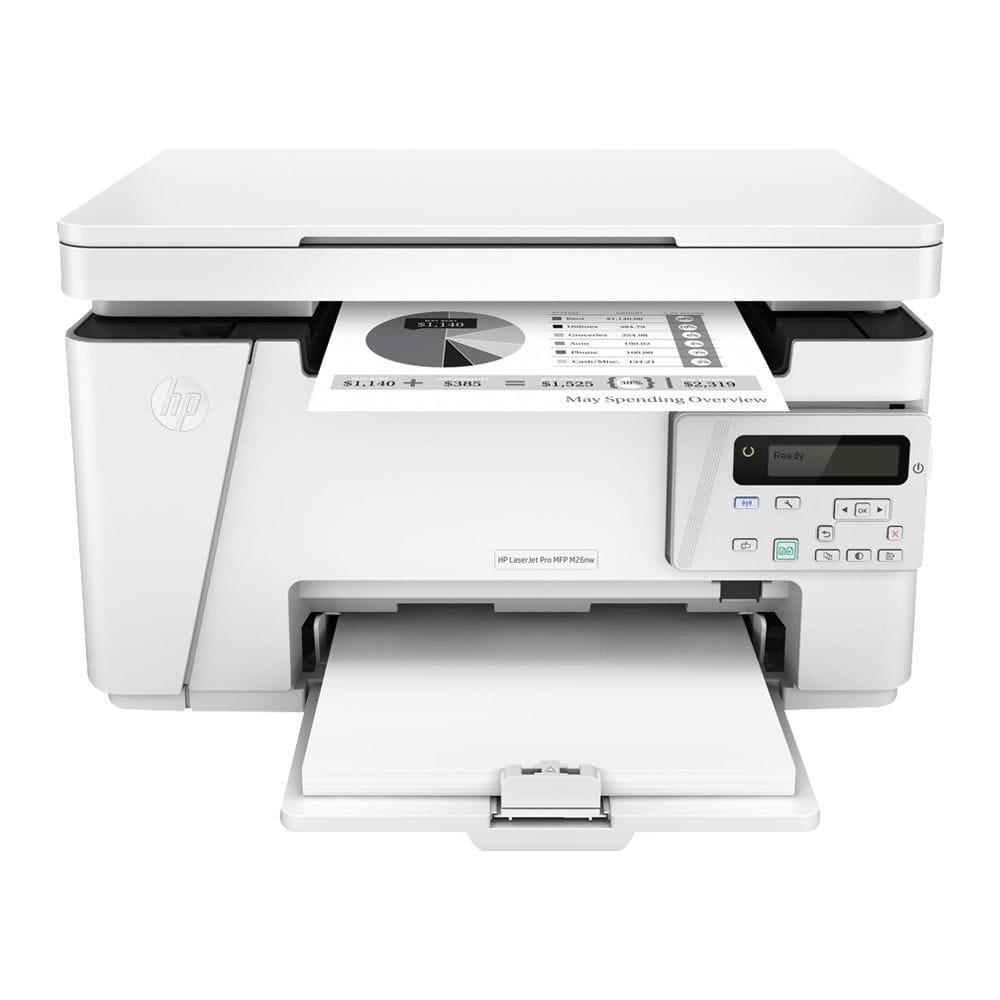
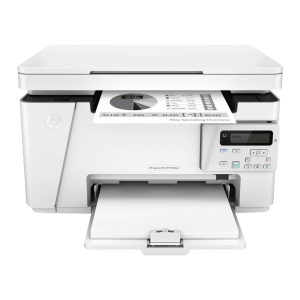
HP M26NW BLACK LASER MFP PRINTER
₨120,000
You may also like…


HP 135A BACK LASERJET MFP PRINTER
HP 135A Printer: Elevate Your Printing Experience
Short Description;
Discover the unmatched efficiency and quality of the HP 135A Printer, designed for both home and office use. With its compact design and impressive printing speed, this printer makes your everyday printing tasks seamless and enjoyable.

HP 135A BLACK LASERJET MFP PRINTER
HP 135A Printer: Elevate Your Printing Experience
Short Description;
Discover the unmatched efficiency and quality of the HP 135A Printer, designed for both home and office use. With its compact design and impressive printing speed, this printer makes your everyday printing tasks seamless and enjoyable.
HP 135W BLACK LASER WIFI MFP PRINTER
HP 135W Printer – Compact, Wireless, and Reliable Printing for Everyday Use
SHORT DESCRIPTION;
Looking for a printer that combines efficiency, versatility, and wireless convenience? The HP 135W Printer offers everything you need for hassle-free printing at home or in small offices. Its compact design and fast printing capabilities make it a perfect fit for anyone seeking high-quality performance without the bulk.
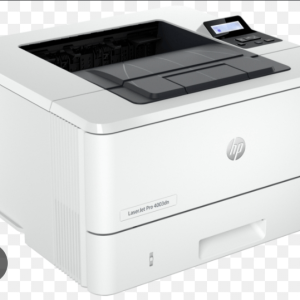
HP 4003DN BLACK LASER PRINTER
Description for HP 4003DN PRINTER
Short Description;
Upgrade your workspace with the HP 4003DN PRINTER, a high-performance, eco-friendly printer designed to meet the needs of fast-paced offices. With blazing-fast print speeds and advanced security features, this printer ensures every task is handled efficiently and securely.
HP 4003DW BLACK LASER WIFI PRINTER
HP 4003DW LASER WIFI PRINTER
Short Description;
Upgrade your printing game with the HP 4003DW Printer—a powerhouse built for speed, precision, and reliability. Whether you're managing a home office or running a bustling business, this wireless workhorse delivers crisp, professional-quality prints every time.
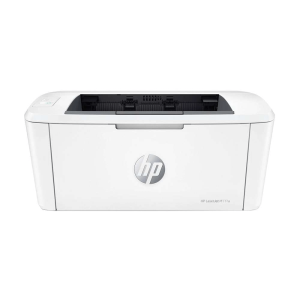
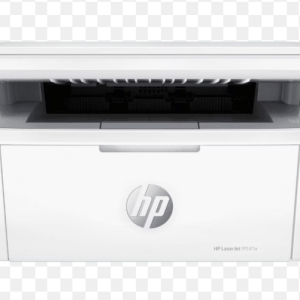
HP M141A BLACK LASER MFP PRINTER
HP M141A Printer – Compact Efficiency for Seamless Printing
SHORT DESCRIPTION;
Looking for a high-performance printer that won’t take up much space? The HP M141A Printer combines speed, precision, and simplicity in a compact design, making it perfect for both home offices and small businesses. Experience smooth, reliable printing that fits your needs—whether it’s professional documents or personal projects.
Related products
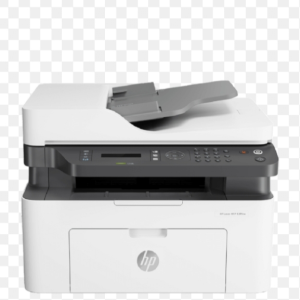
HP 137FNW BLACK LASER MFP PRINTER
HP M137FNW PRINTER: Effortless Printing, Scanning, and Copying for Small Businesses
SHORT DESCRIPTION;
The HP M137FNW Printer is the ultimate all-in-one solution for professionals who need reliable performance without the hassle. With wireless connectivity, fast print speeds, and versatile functions, this compact laser printer ensures your documents are ready when you need them.
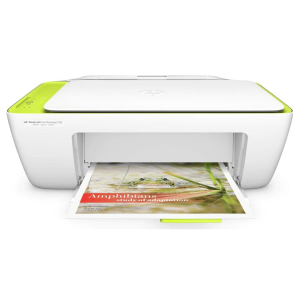
HP DESKJET 2135 ALL IN ONE PRINTER
HP 2135 Printer – Print, Scan, and Copy with Precision
SHORT DESCRIPTION;
The HP DeskJet 2135 🖨️ is a compact, all-in-one inkjet printer designed for high-quality printing, scanning, and copying. With affordable ink cartridges and easy setup, it's perfect for home and student use. Get your genuine HP printer at General Traders.
HP DESKJET 2320 ALL IN ONE PRINTER
Discover the Power of Efficiency with the HP 2320 Printer
SHORT DESCRIPTION;
Introducing the HP 2320 Printer—the ultimate solution for your home or office printing needs. With its exceptional speed and reliability, this printer makes it easy to produce high-quality documents, ensuring that you never miss a deadline.
HP DESKJET 2620 ALL IN ONE PRINTER
Elevate Your Printing Experience with the HP 2620 Printer
Short Description;
Discover the ultimate printing solution with the HP 2620 Printer. Designed for efficiency and quality, this versatile printer brings professional-grade documents right to your home or office, ensuring that every print is crisp, vibrant, and reliable.


HP M283FDW COLOR LASER PRINTER
Elevate Your Printing Experience with the HP M283FDW Printer
Short Description;
Discover the power of professional-quality printing with the HP M283FDW PRINTER. Designed for efficiency and versatility, this all-in-one printer is perfect for small businesses and home offices, making your printing tasks seamless and hassle-free.
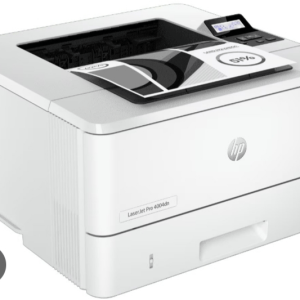
HP M404N BLACK LASER PRINTER
Description For HP M404N Printer
Short Description;
The HP M404DN Printer offers seamless productivity with lightning-fast printing speeds, advanced security features, and eco-friendly performance. Designed for small to mid-sized businesses, this compact printer ensures your documents look professional while keeping your operations smooth and secure.
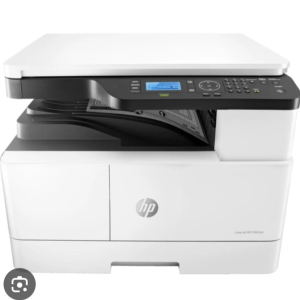
HP M442DN BLACK LASER A3 MFP PRINTER
HP M442DN PRINTER: Fast, Reliable Printing Built for Business Growth
Short Description;
Upgrade your office productivity with the HP M442DN Printer, a powerhouse designed for speed and efficiency. Its fast printing capabilities and robust design make it perfect for businesses that need reliable, high-volume performance every day.
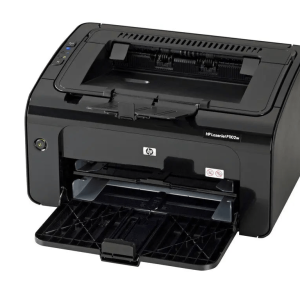
HP P1102W BLACK LASER WIFI PRINTER
HP 1102W Printer – Wireless Efficiency for Seamless Printing
Short Description;
Discover the power of wireless printing with the compact and efficient HP 1102W Printer. Designed to streamline your productivity, this printer combines high-speed performance with easy connectivity, making it a must-have tool for homes and small offices.